
Your agents need a blueprint,not a prompt.
Studio turns an agent from a prompt someone pasted into a versioned asset your risk team can review, approve and roll back before it ever touches a customer, on infrastructure that meets local data-residency requirements.
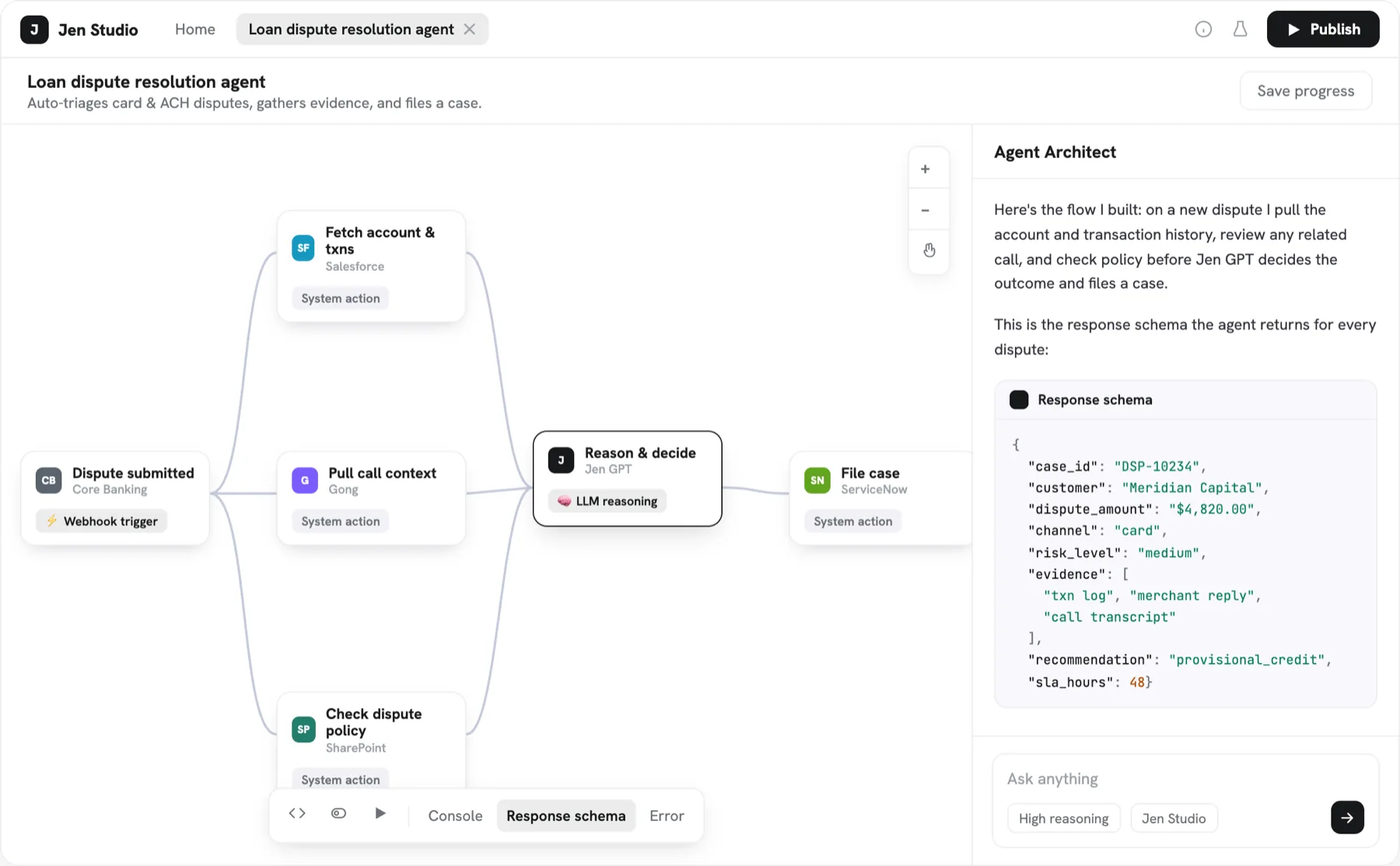
Three layers of theagent lifecycle.
A real agent is more than a prompt and a model.
Composable flows
Assemble steps, tools and approvals visually. Every branch is inspectable by the risk team, not buried in code.
Versioned releases
Agents ship like software: diffs, staged rollouts, instant rollback and a signed record of approvals.
Simulation before launch
Replay historical tickets and cases against a draft agent to see the outcome before a customer does.


Specification sheets.A contract for your agents.
An agent’s behaviour lived in free text. A sheet declares it, and Studio enforces it at run time.
Scope
What the agent handles, and what it leaves to someone else.
Permitted tools
The systems it may read, the ones it may write to. Nothing beyond.
Escalation rules
The threshold at which a person takes over.
Refusal conditions
What it will not do, even when asked.
The questionswe get asked.
01What is a specification sheet?
If you have piloted agents in a bank or an insurer, you have hit the same wall: the demo works, then legal asks exactly what the agent is allowed to do, and there is no written answer. Specification sheets are that answer.
02Where is the data hosted?
In your VPC or on-premises, according to your data-residency requirements. Connections to your systems and hosting needs are defined with your team before the first deployment.
03Who approves what an agent is allowed to do?
You do. Sensitive actions go through the approvals you define, and every action is logged, replayable and exportable for your risk and audit teams.
Give your agents a blueprint.Ship agents that are reviewed and versioned.
Thirty minutes to scope the process, the systems and the approvals. Or write to us at [email protected]